How it works Six steps
From one sentence to a site you own.
Iris works like a small studio: a creative director, designers, developers and a tester, each step checked before the next one starts. You decide at every turn that matters.
-
STEP 1
Tell Iris about the business.
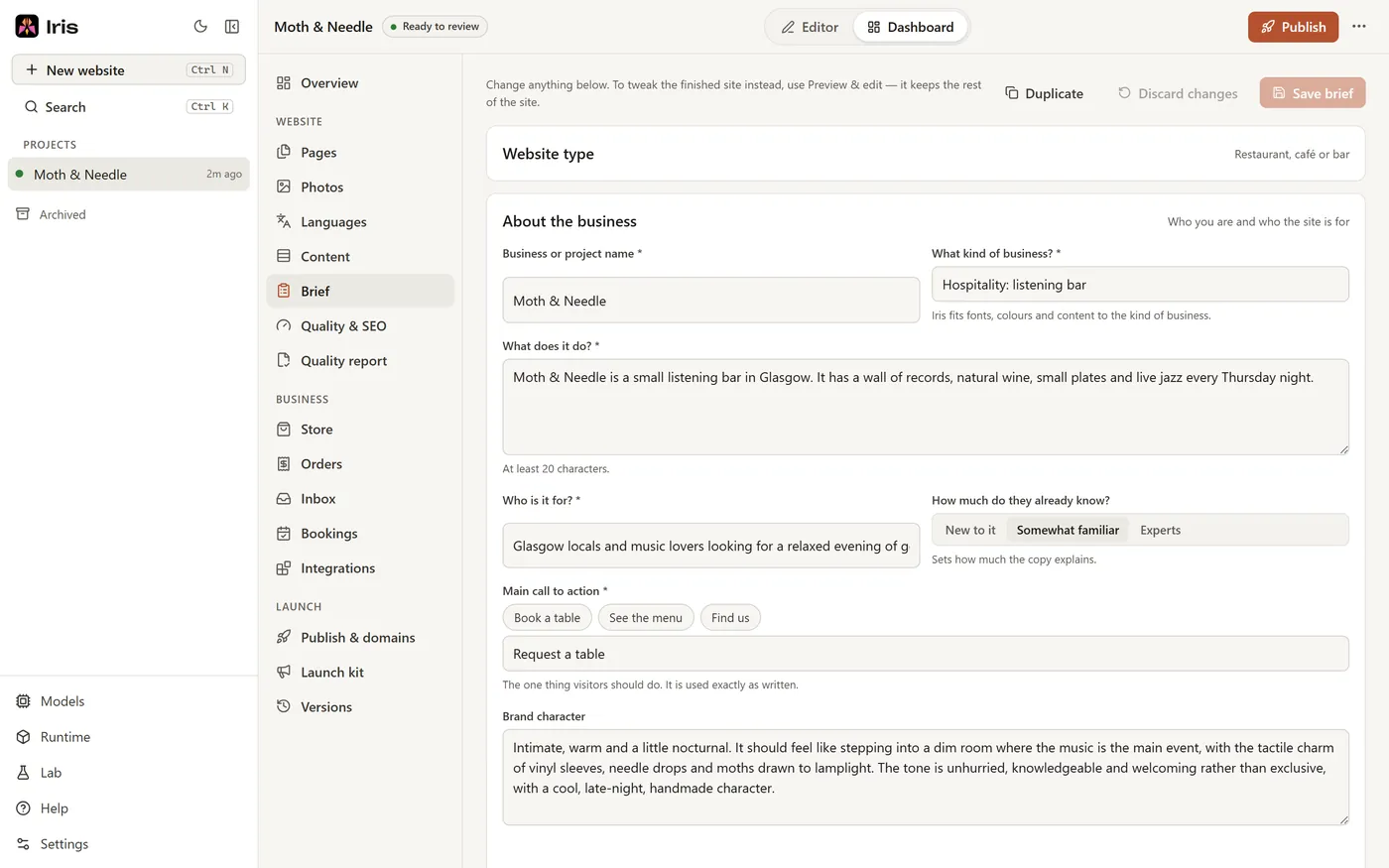
Type a sentence or two and click Draft the brief, or choose what the site is for from 22 kinds, from an online store to a wedding. Iris drafts the details for you to check.
Hours, menus and prices you give are used exactly as you write them. Add your photos and say where each one goes. Already have a site? Iris can read it and keep your words and photos.
About 5 minutes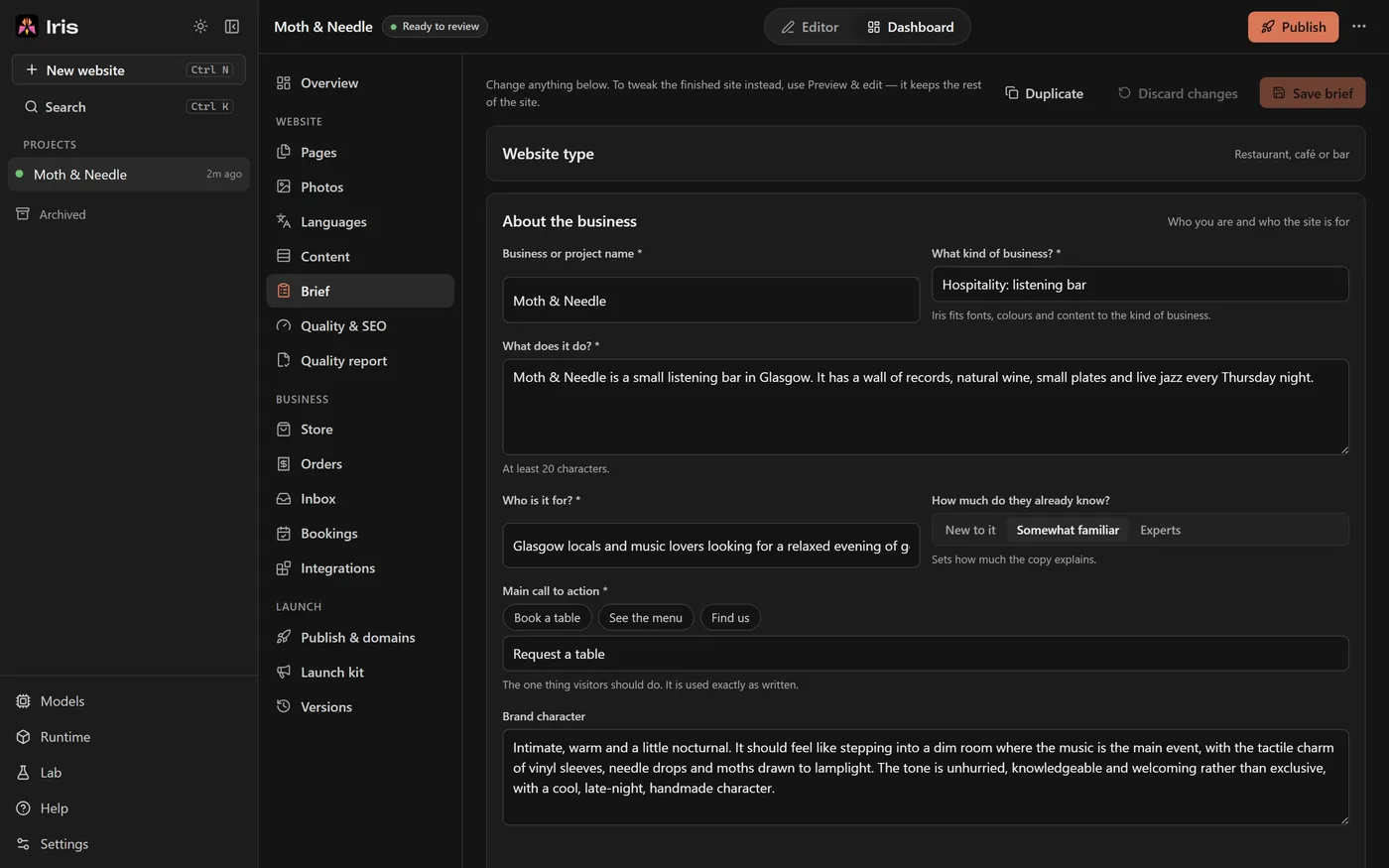
-
STEP 2
Choose a starting style, or don't.
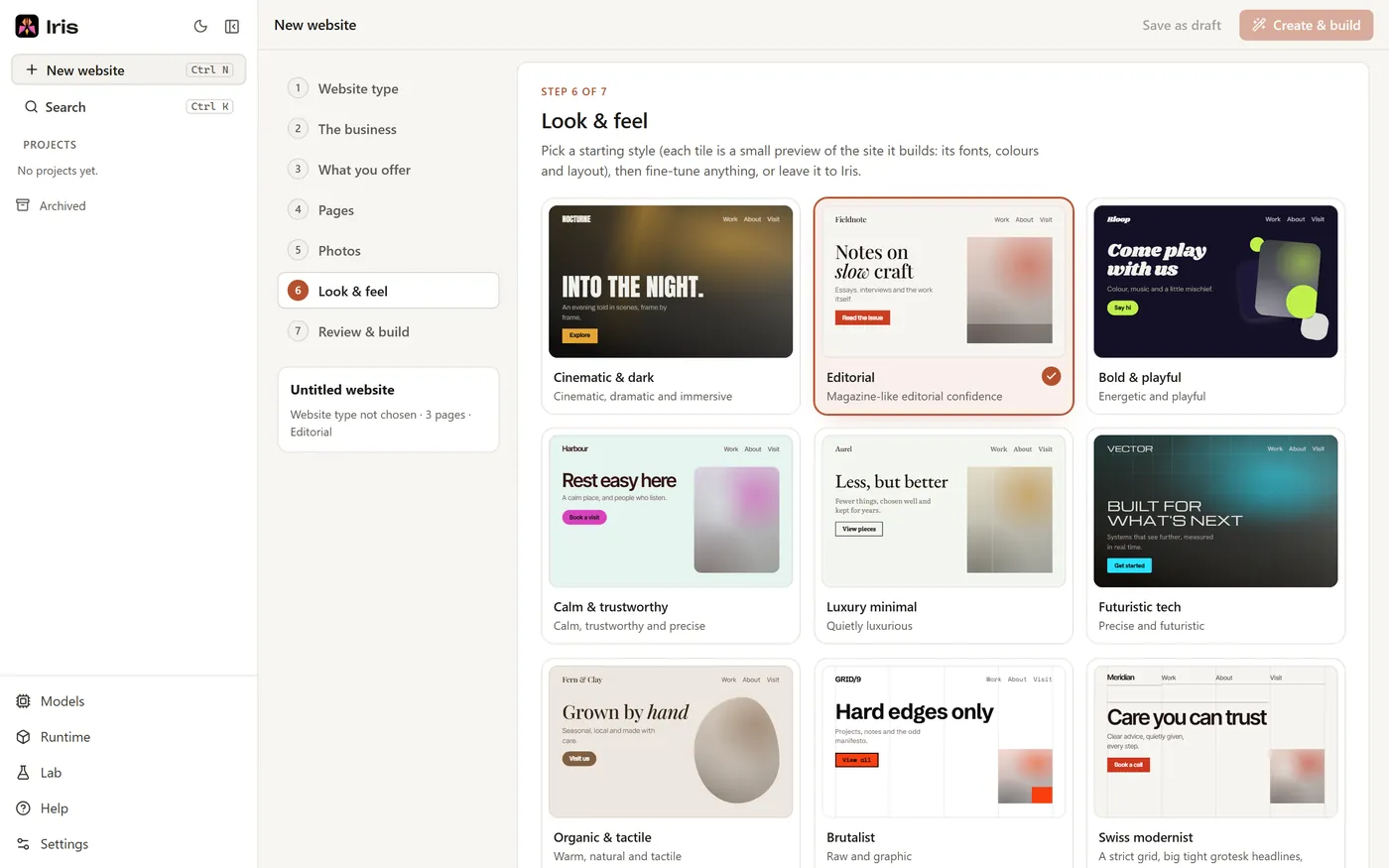
Start from one of 36 styles or fine-tune any of 694 design choices, each with a small preview. Leave anything alone and Iris chooses it, away from the looks of your recent sites.
A minute, or skip it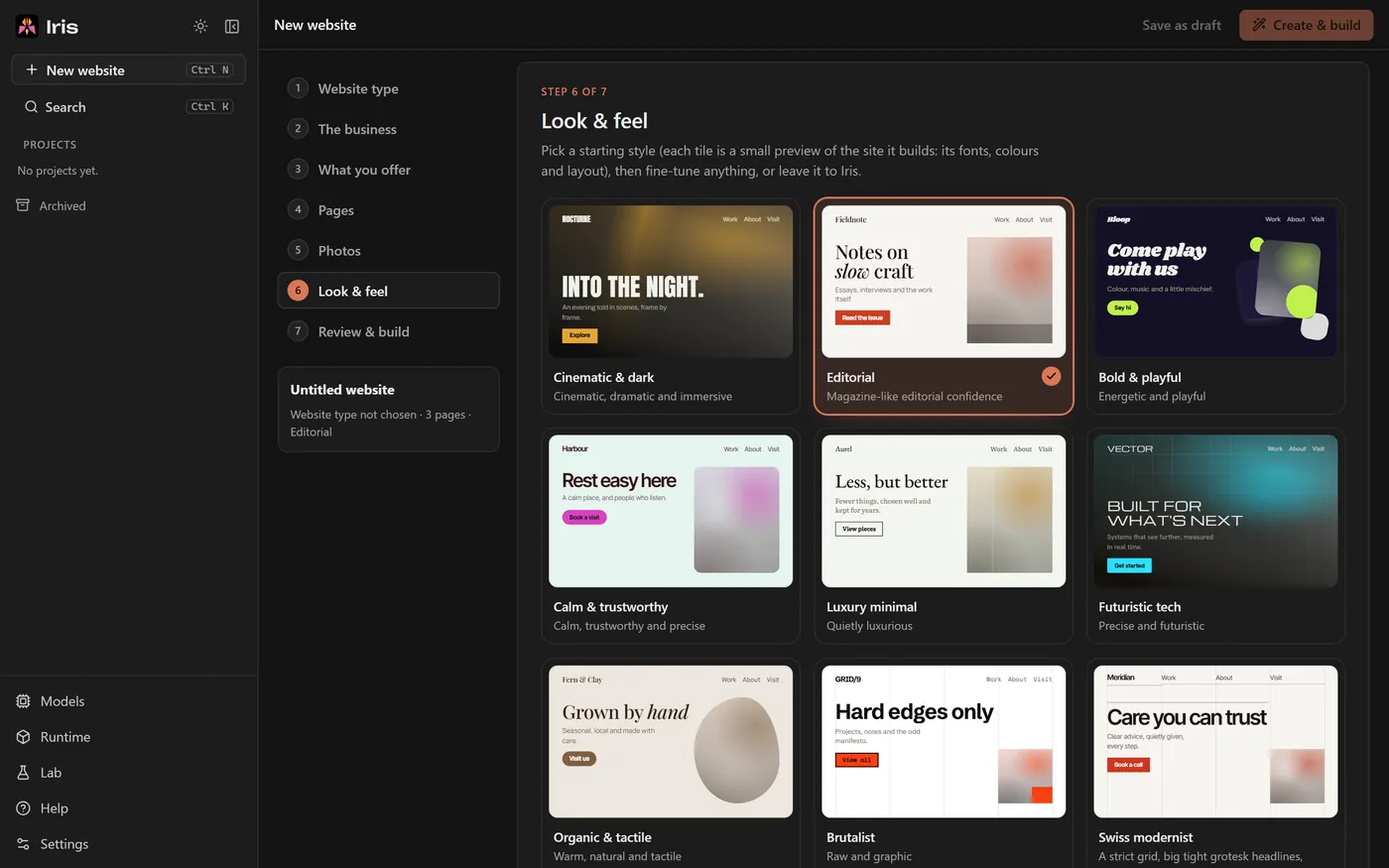
-
STEP 3
Pick one of three directions.
Within a minute Iris shows three looks with your business name in the real fonts, colours, art and motion. Pick one, ask for more, or let it carry on with its recommendation after 20 minutes.
About a minute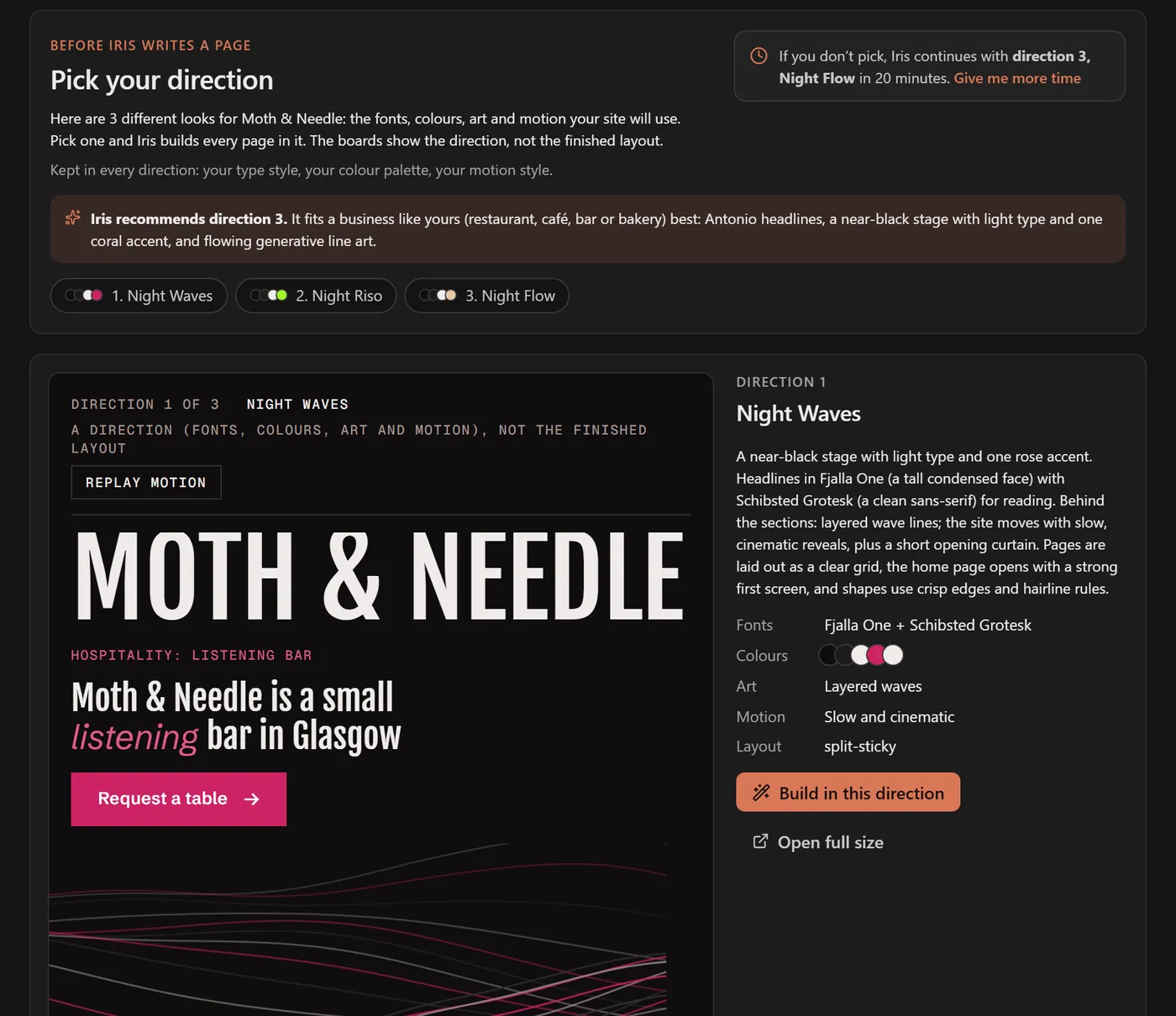

-
STEP 4
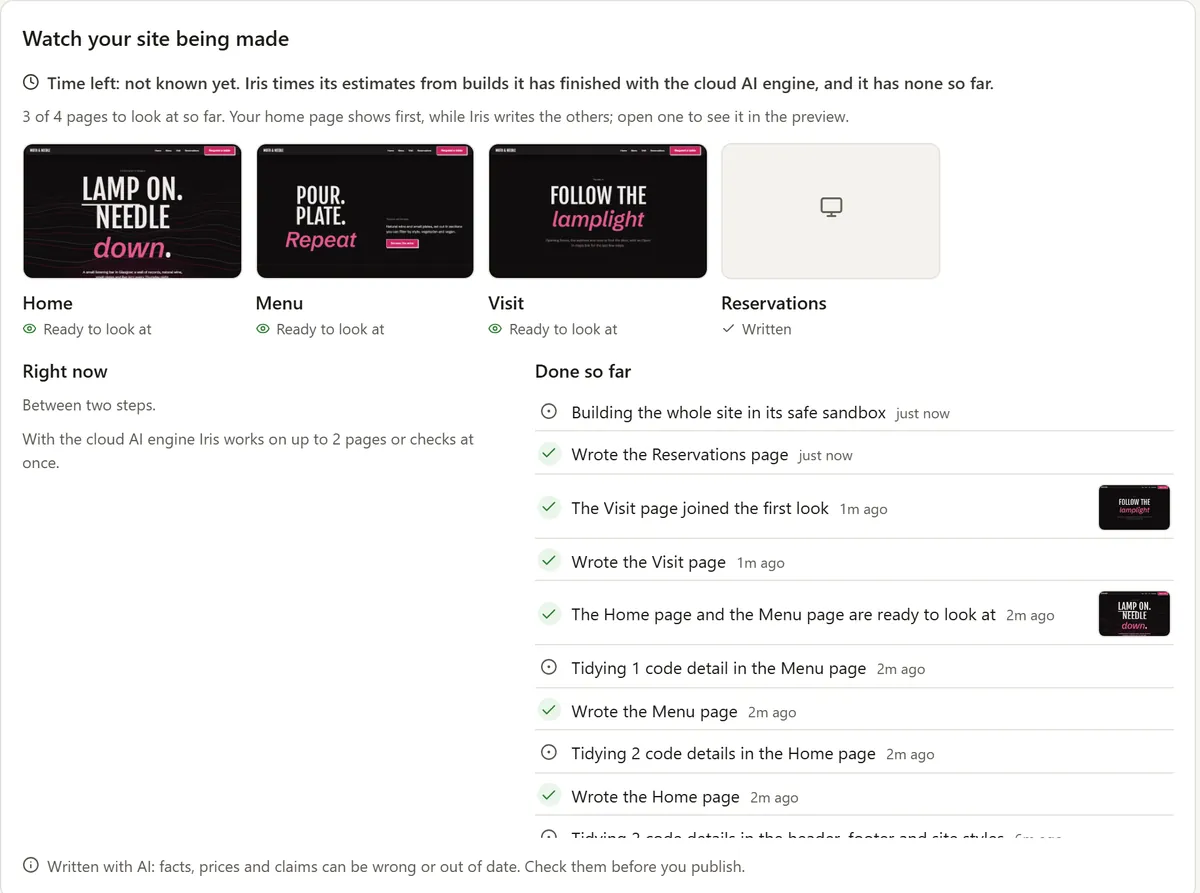
Watch it plan, write and build.
A plan for every page comes first: sections, real copy from your brief, layout, art and motion. Then the header, menu, footer and each page are written, checked by a compiler and built in a sealed container on your computer. Each page appears as it's made.
Under an hour on Iris Cloud · about 1 to 3 hours on your PC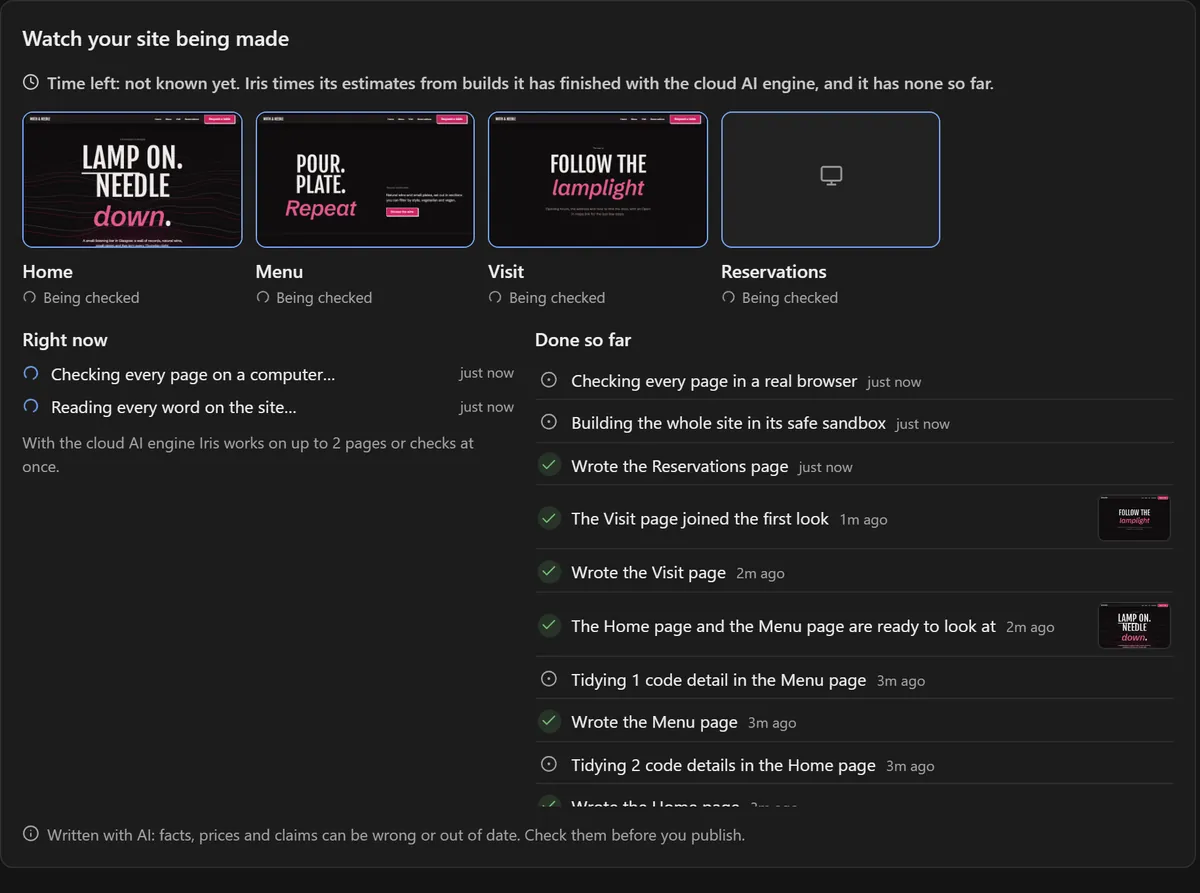
-
STEP 5
It tests the site like a visitor, then repairs it.
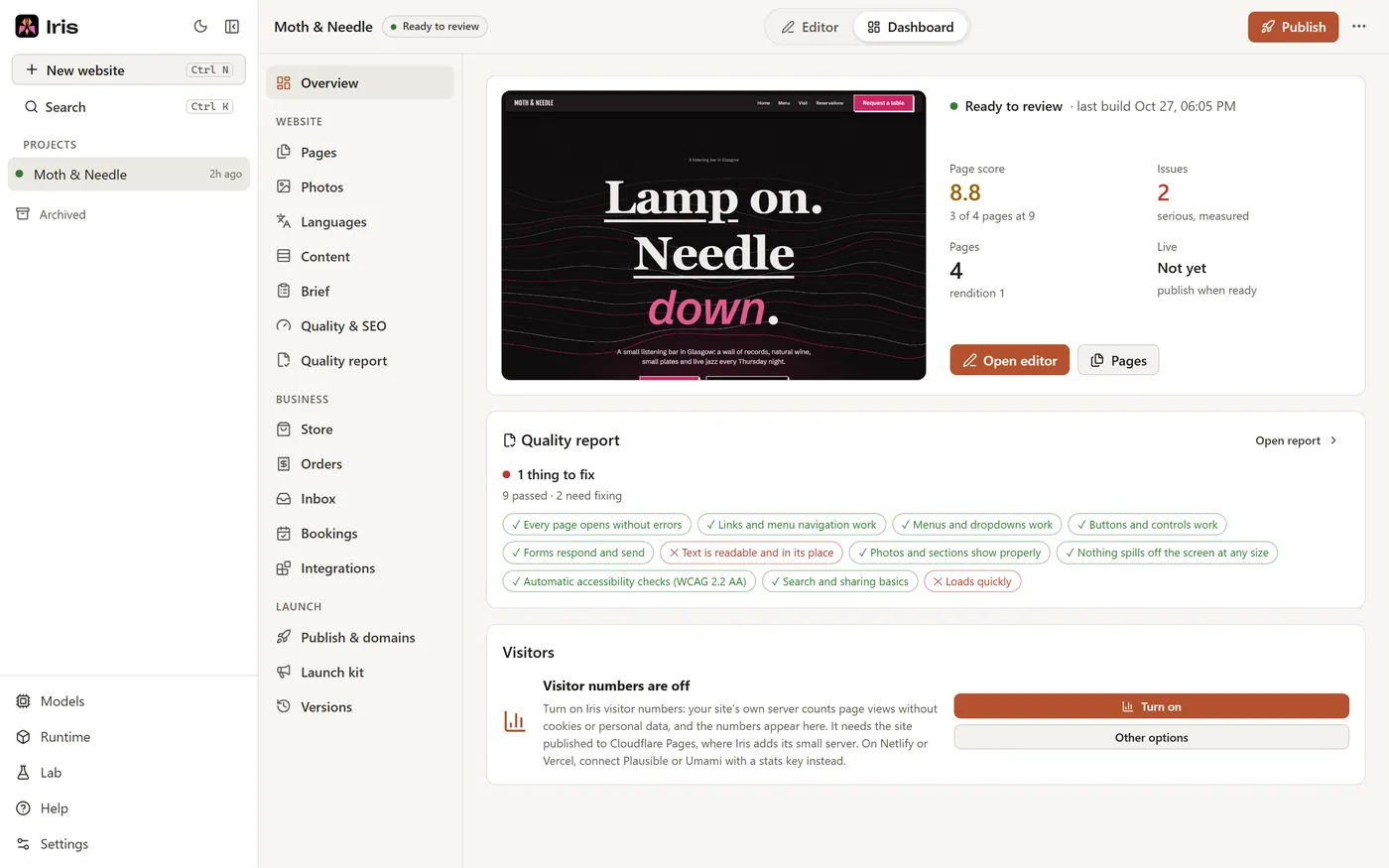
Every page is opened in a real browser at seven screen sizes, scrolled with animations on, clicked through and measured. A design reviewer looks at screenshots of every page. Real problems are repaired page by page, up to two rounds, and every result goes into the quality report.
Part of the build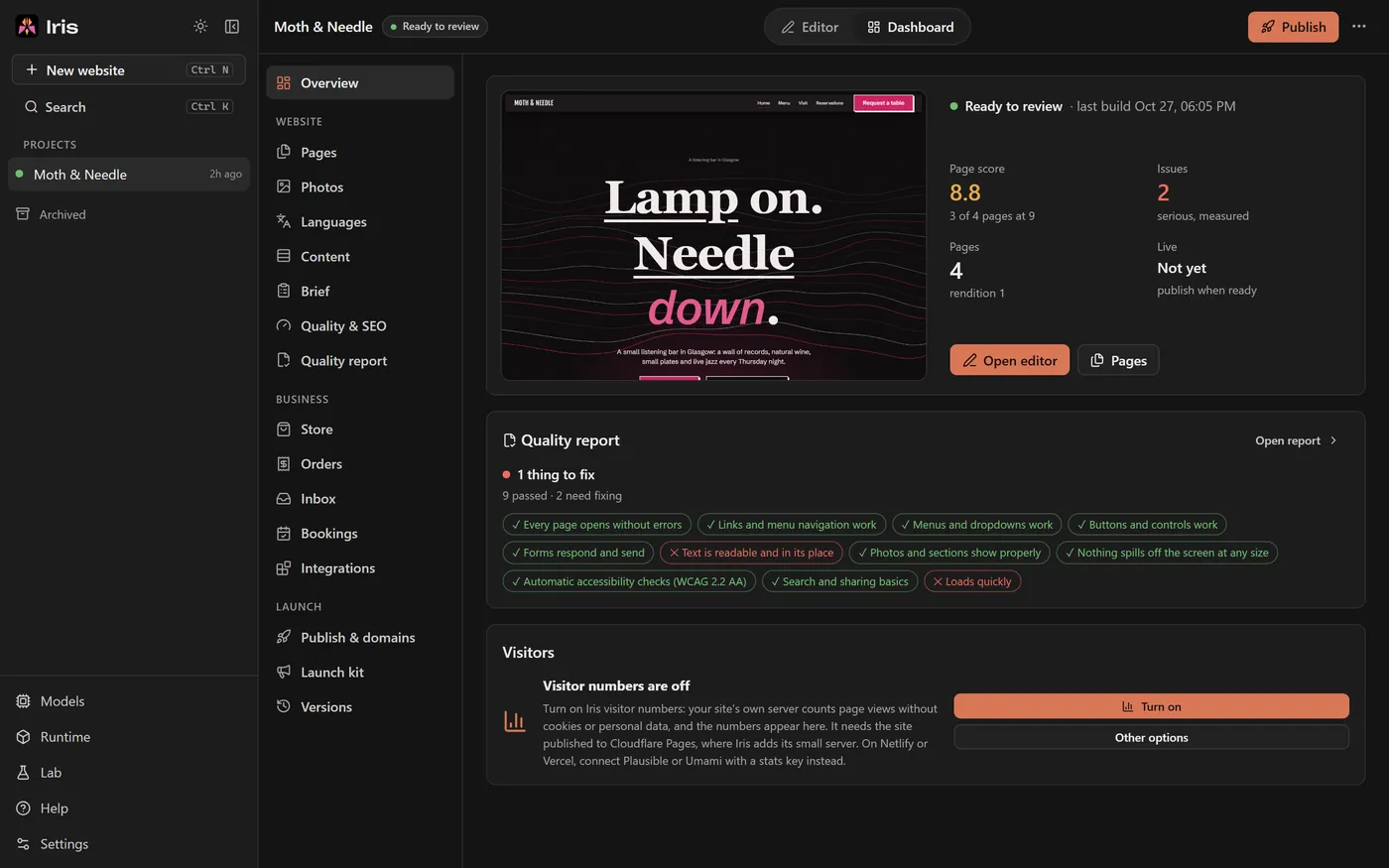
-
STEP 6
Edit it, publish it, keep it.
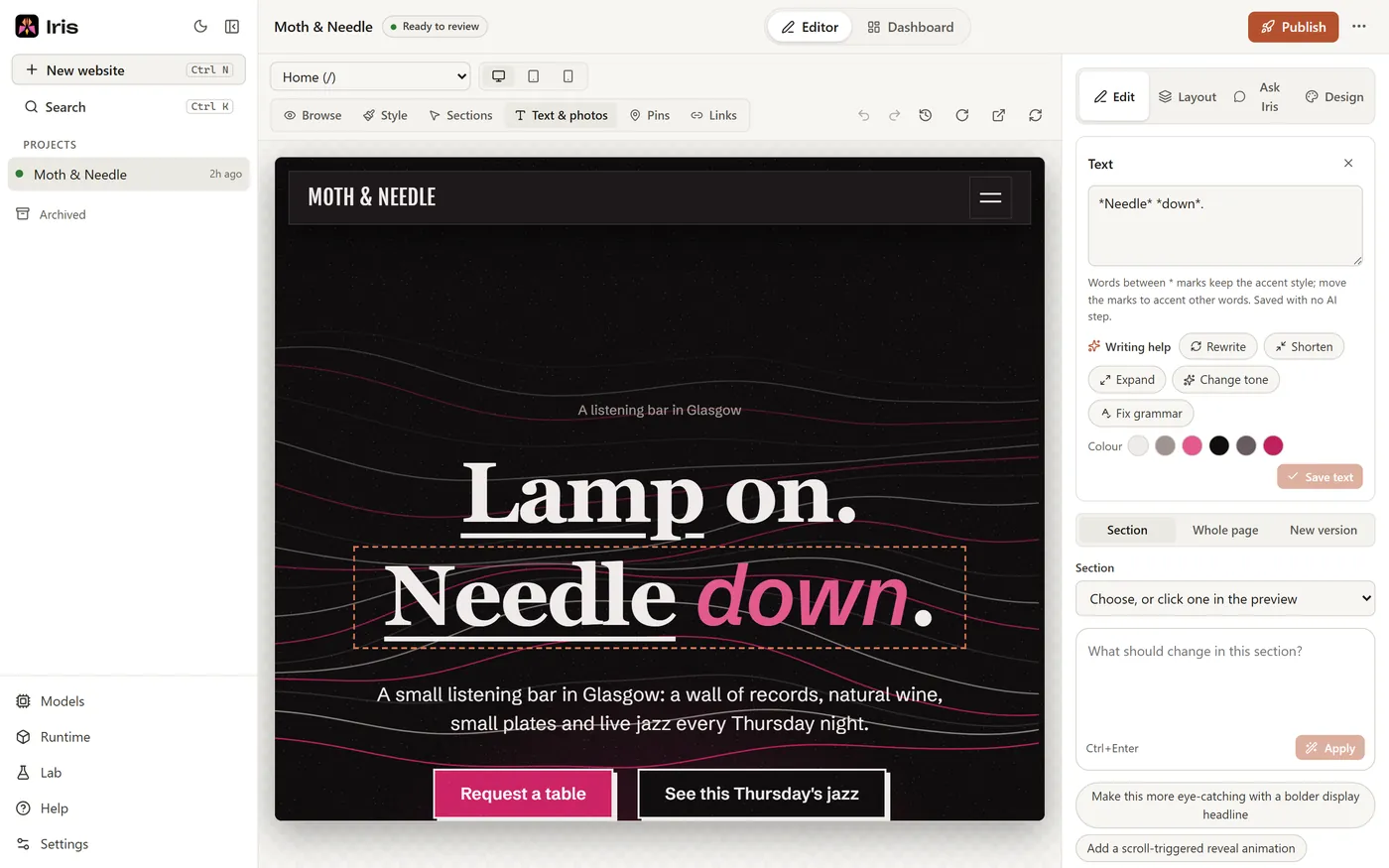
Change words, photos, styles, sections and pages in the editor with no AI and no cost, or ask the AI to change one part. Test everything as it will be published, then publish to your own Netlify, Vercel or Cloudflare Pages account, or download the code.
Whenever you like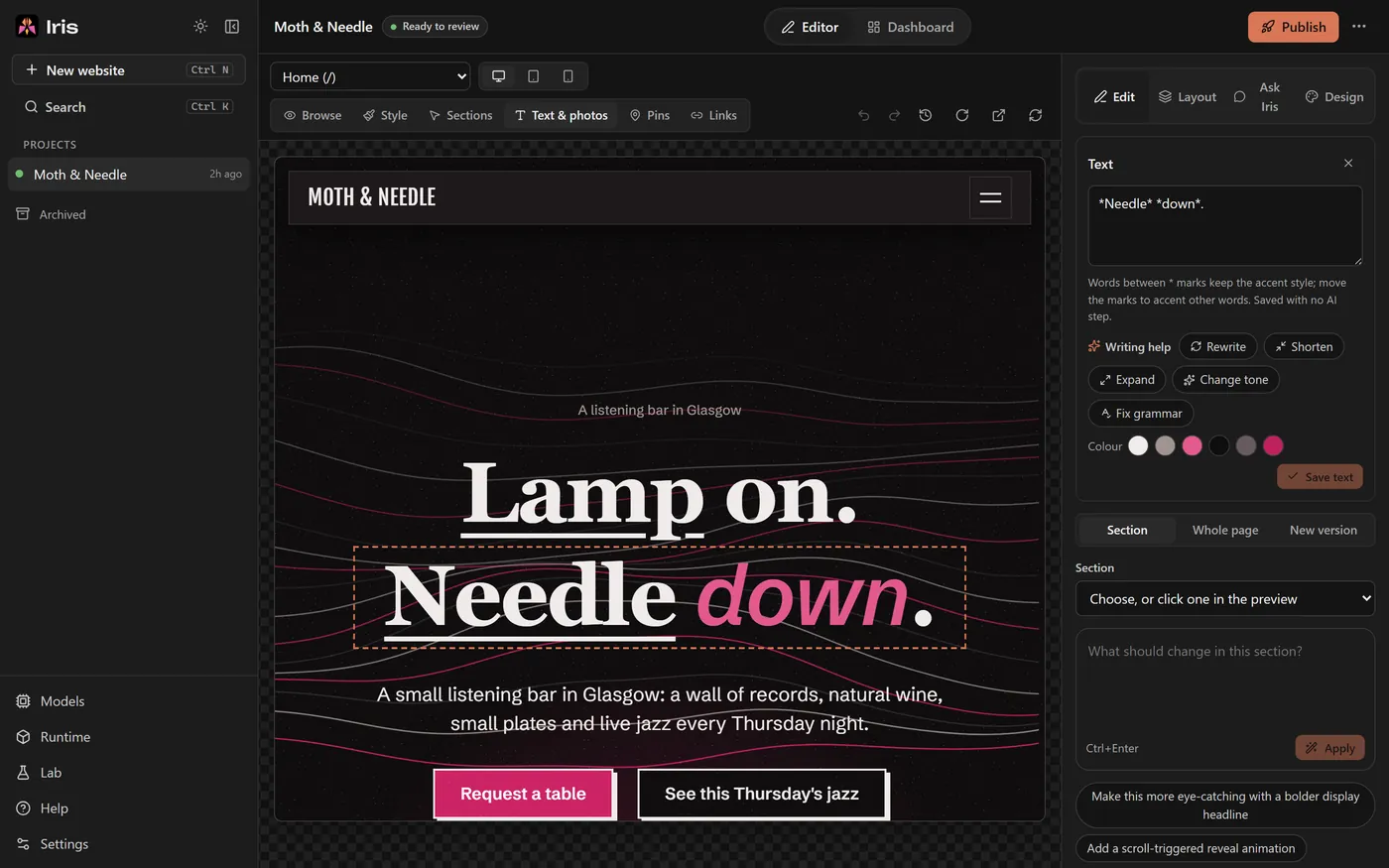


Where it runs
Your computer does the heavy lifting.
Iris is a Windows app. Builds, previews and browser tests always run on your PC, inside a sealed container that keeps the site's code apart from everything else.
Iris Free: AI on your PC
The AI model (Qwen3.8 27B, Apache 2.0 licence) runs on your graphics card through the engine built into Iris, so there is nothing else to install. Your brief, photos and the site's code stay on your computer while it builds.
- Needs a graphics card with 24 GB of video memory
- A build takes about 1 to 3 hours; the AI does one thing at a time
- No account and no limits
Iris Cloud: AI in the cloud
No graphics card needed. Choose Iris Cloud Standard, or Iris Cloud Pro for the best quality. Several pages are written, checked and repaired side by side, so builds finish sooner. Your brief, photo notes, the site's code and its screenshots are sent to the model to build the site.
- Eight recent three-page builds: 25 to 58 minutes of working time
- You see about how many credits a build will use before it starts
- From $19 a month, or a one-site top-up
Both need Windows with WSL2 and Podman, which Iris's setup installs for you (WSL2 is part of Windows and asks for your OK once). Podman is free for everyone, businesses of any size included.
Free on your PC. Fair in the cloud.
Plans, credits and what each thing costs.